Connect your AI agent to Baselumen
Baselumen runs an MCP server with 26 tools. Add it to the agent you already use, sign in with your Stacklumen account, and it can search the library, pin components and edit designs.
 The Baselumen team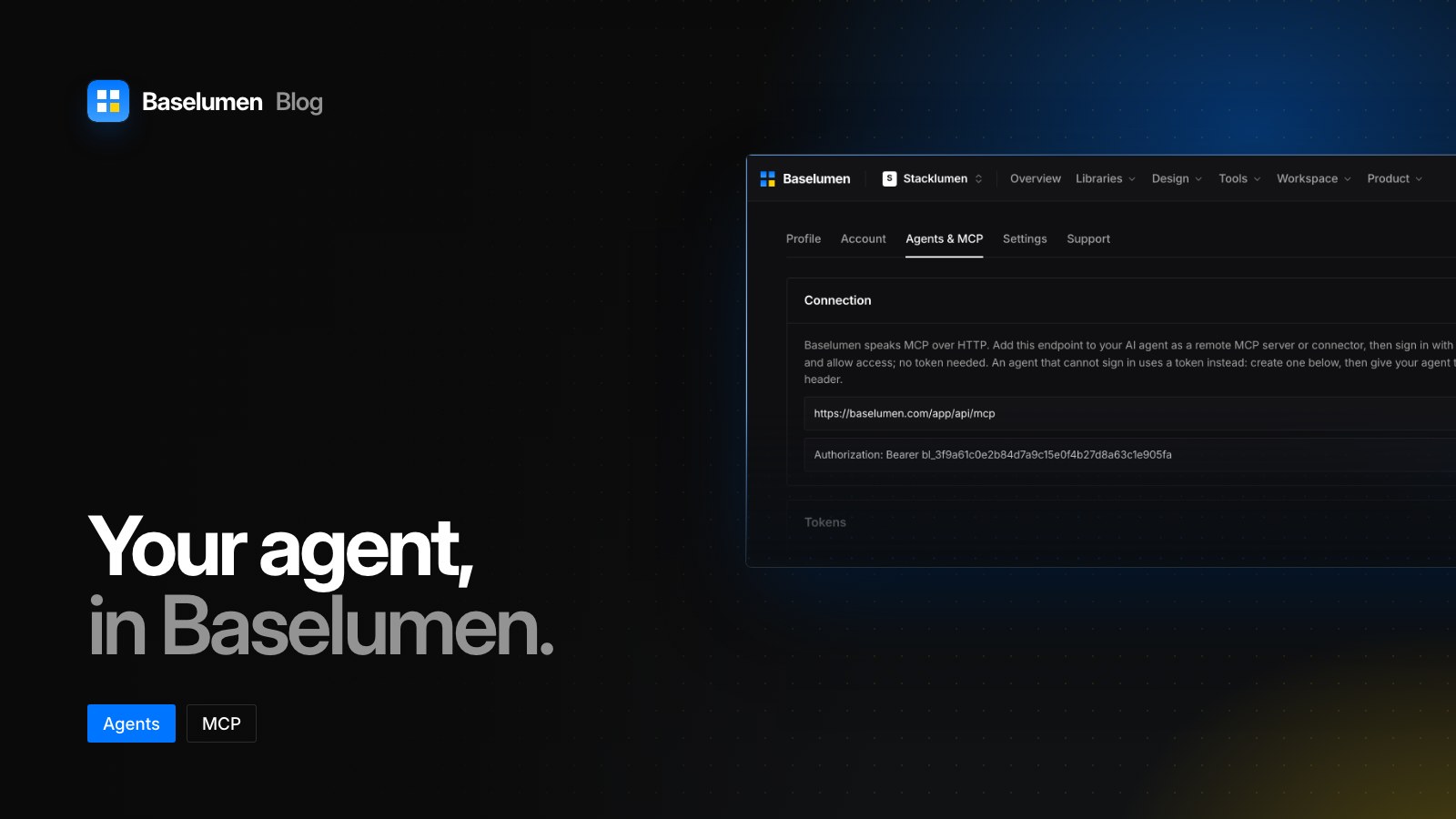
On this page
Baselumen runs an MCP server with 26 tools. Point the AI agent you already use at it, sign in, and it can search the component library, pin components to Terminal sites and edit designs. Baselumen stores no AI key: your agent runs on your own plan.
Connect in one step
Add this address to your agent as a remote MCP server or connector:
https://www.baselumen.com/app/api/mcp
The first time it connects, the agent sends you to sign in with your Stacklumen account, where you allow access. There is no token to copy. Your agent gets a token for Baselumen's scopes only, so it opens nothing in another app, and every call is checked again: that you still own the workspace, that it is in good standing, and that the tool's scope was allowed.
What your agent can do
- Components: search the catalogue, list the templates and fetch their source, and read and change which components are pinned to a Terminal site's designer shelf.
- Designs: list, open, create and edit designs with the designer's own drawing operations, and push them to a Terminal site's assets.
- Your account: read and update your profile, your settings and the workspace's details.
Tokens for agents that cannot sign in
An agent that cannot sign in, or a build job, uses a token instead, sent as a bearer Authorization header. The workspace owner makes tokens under Agents & MCP, and each one is shown once. A token has:
- A name, so the table and the activity say which agent did what.
- A reach: the whole workspace, or one client, where a client token sees only that client.
- Scopes: everything, including tools added later, or any of the seven scopes, from reading the catalogue to updating the workspace.
- An expiry: never, 30 days, 90 days or a year.
Tokens are stored as a hash, and the table shows only the last four characters. Revoke one, and every agent holding it loses access on its next request.
Where to find it
- Agents & MCP in Baselumen's settings has the address and the token form.
- baselumen.com/agents walks through the sign-in and every scope.