Copy a component, paste it into Terminal
Baselumen’s 186 components are built to one set of rules. Copy for Terminal and one paste put any of them on a Terminal page as ordinary elements you can edit.
 The Baselumen team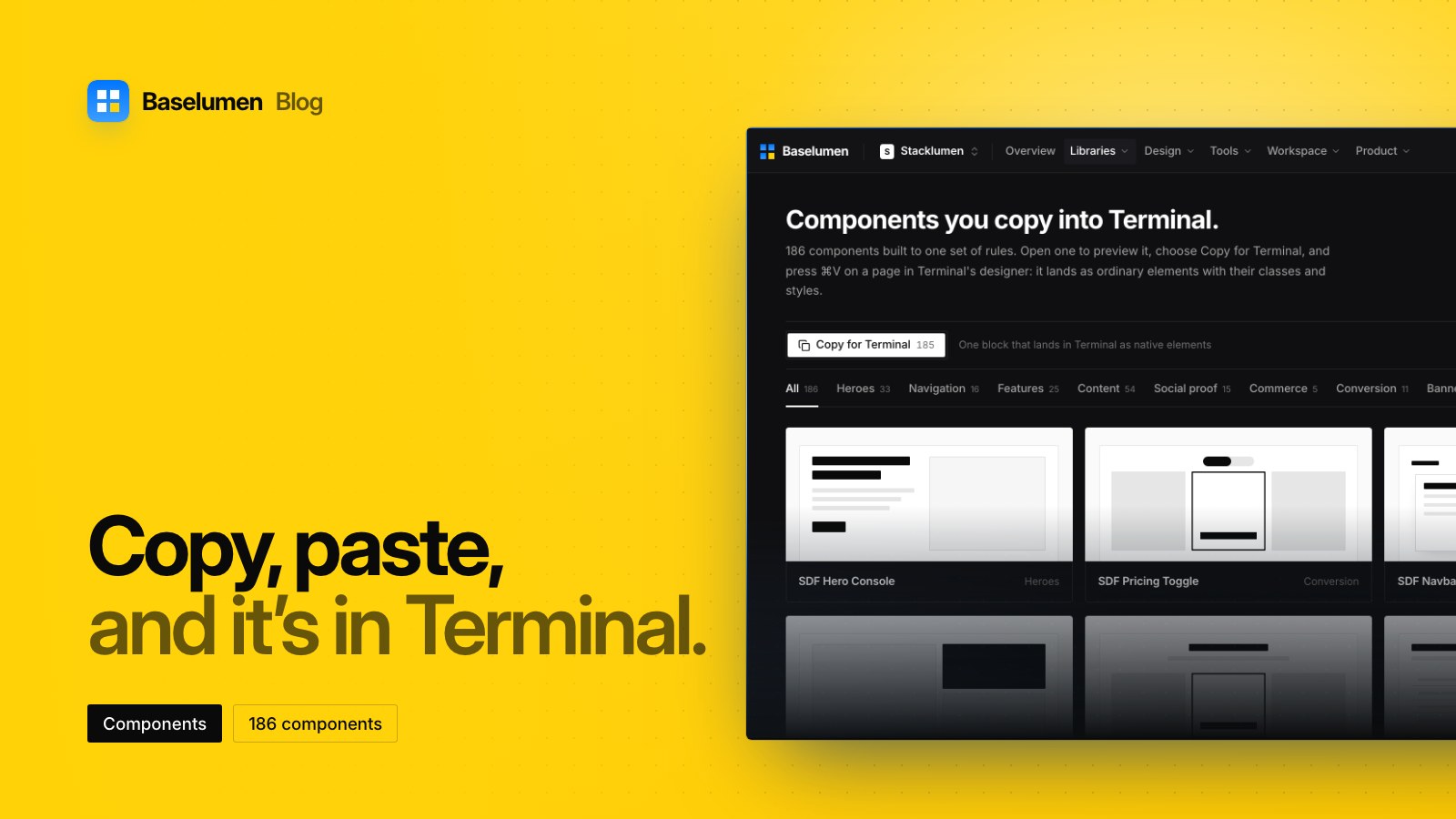
On this page
Baselumen's library holds 186 components, built to one set of rules so they read as one system on whatever page you place them. Getting one into a site takes two steps: choose Copy for Terminal, then press ⌘V on a page in Terminal's designer.
What lands on the page
A copied component lands as ordinary elements, with its classes and styles, ready to edit in the designer's panels. Nothing is locked or linked: change anything you like, and nothing upstream changes it back.
Copy for Terminal is the one button on every card and on every component's page. A component with no Terminal block of its own says so on its card, and Terminal's Baselumen panel places it instead.
Finding the right one
Open a component to see it rendered live, isolated the way your own page would isolate it. The library is filed in 13 categories and in collections, and the search, the category and the collection stay in the address, so a filtered view can be shared or reloaded.
The bar's search field searches the whole app. Its scopes are All, Components, Templates, Tools, Go to and Actions, Tab walks through them, and your recent picks come first.
Built to one set of rules
Every component follows the same rules:
- Semantic markup. Sections, articles and nav; buttons for actions and links for navigation. A pricing tier carries schema.org
Offer, and an FAQ carriesFAQPage. - Accessible by default. Visible focus, contrast of at least 4.5:1 for body text and 3:1 for large text, full keyboard use, ARIA for tabs and menus, and reduced motion respected.
- Current browsers. The last two versions of Chrome, Edge, Firefox and Safari.
Two doors into Terminal
The library also opens from inside Terminal. The designer's rail has a Baselumen panel with live previews, where Add places a component on the page.
To keep a set ready for one site, use Import: pick a site, switch components on, and save. They wait on that site's designer shelf under Insert → Marketplace → Imported from Baselumen. Saving is a diff, so switching one off takes it off the shelf, and pages that already use it keep it.
Where to find it
- Browse the library at baselumen.com/components.
- Agents can pin and unpin components over MCP with the same ids; the agents page explains how.